On a task, form instances are live copies of your library templates. Use them when a job needs a checklist, sign-off, or structured evidence alongside the description. You'll manage instances from the Forms sidebar panel and work the same content from collapsible blocks in the main column—whichever fits your flow.
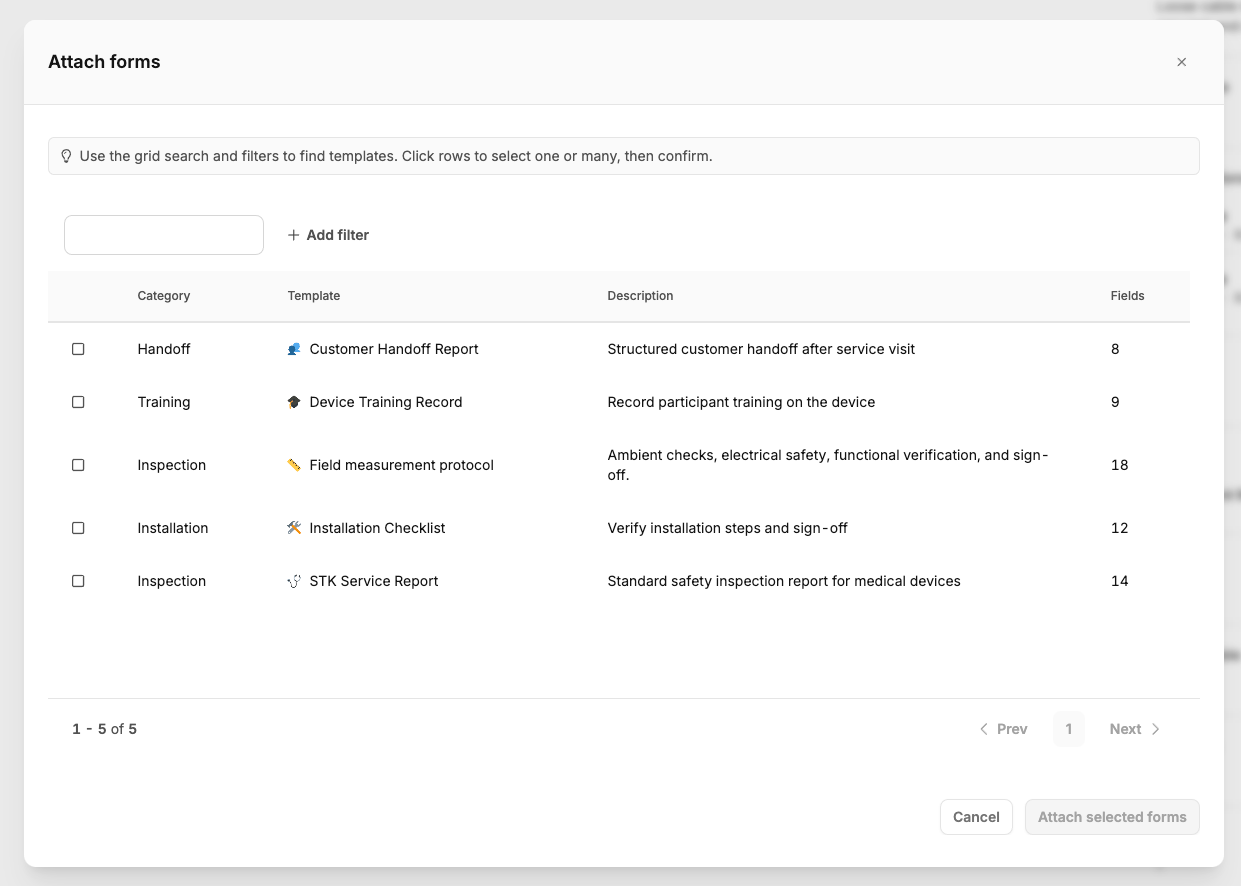
Open the Forms section in the task sidebar. Pick the control to add a form, then choose a template from the library; the task stores a new instance with that template's current field definition. Removing an instance from the sidebar requires the Attach or remove forms on tasks permission.
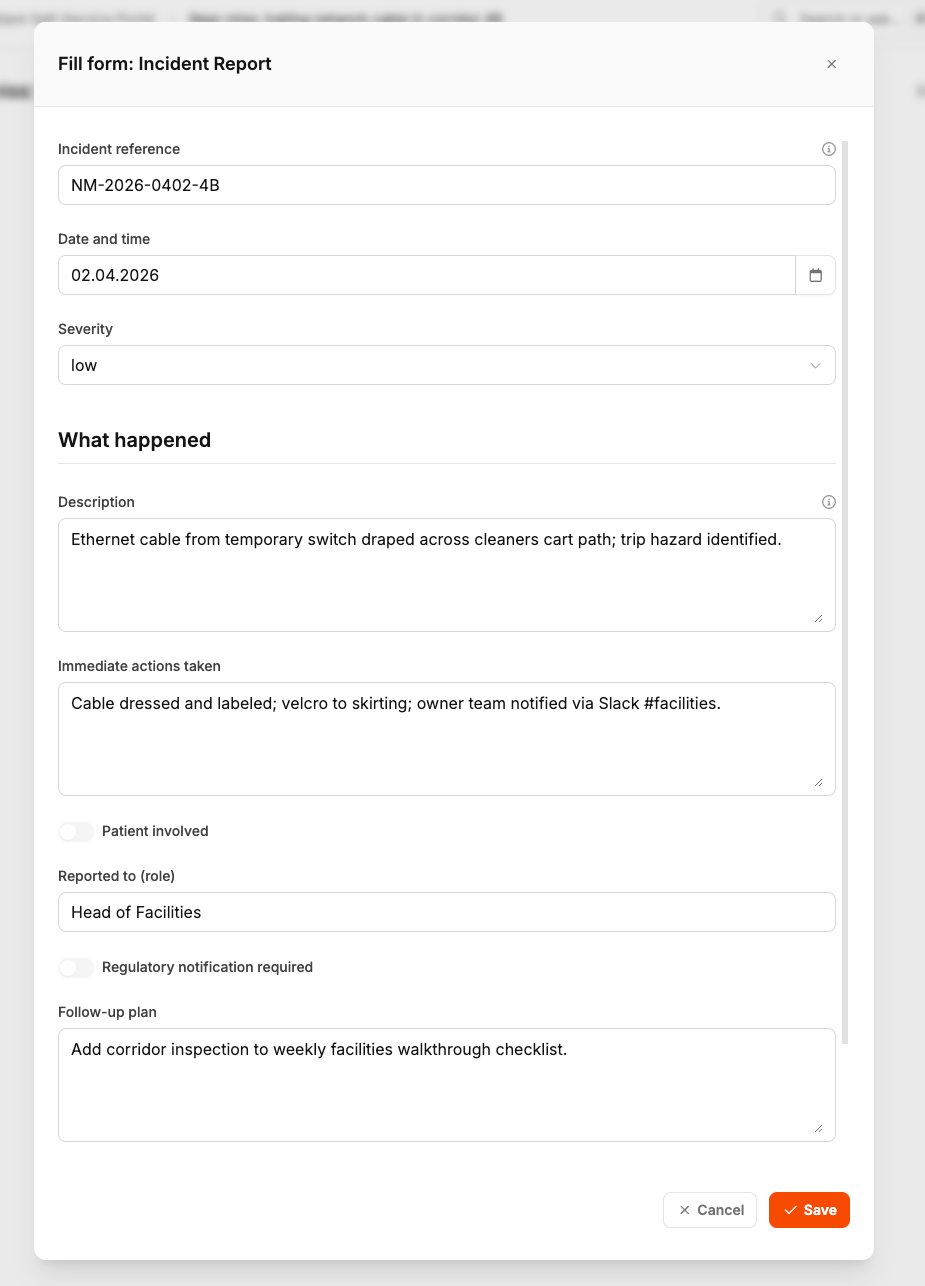
Each row shows progress; open the fill/view action to work in the form modal. The renderer matches the field types from the template (text, numbers, dates, uploads, signatures, and so on). Saving uses the Fill in forms on tasks permission. If the server rejects a value, errors map back to the affected fields in the modal.
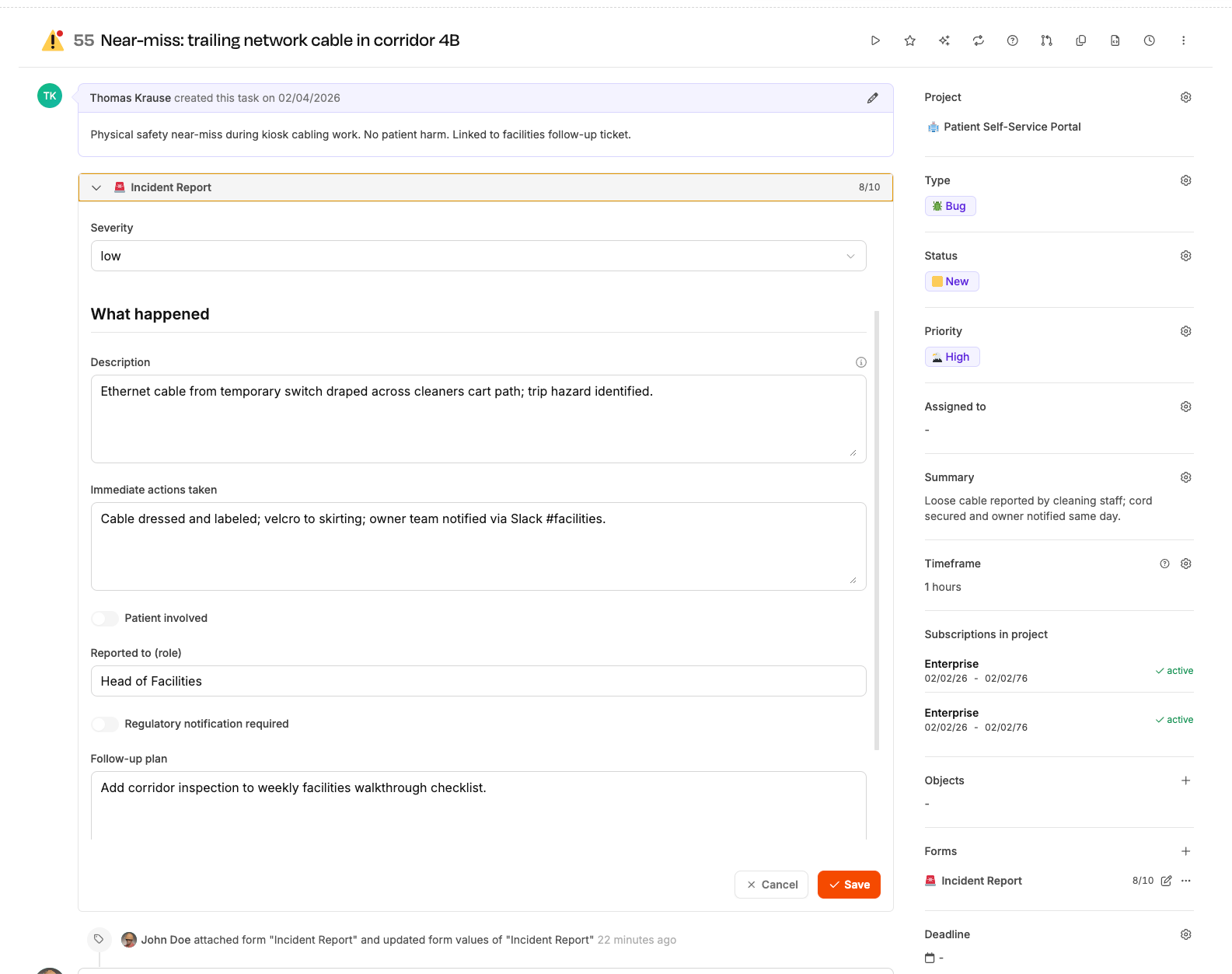
Below the main task body, collapsible blocks list the same instances so you can expand a form without opening the modal. Behavior, permissions, and validation mirror the modal; after saving, both places stay in sync.
If the task is billed, the product blocks further saves on forms—plan to complete forms before billing or reopen the task according to your process.