
Use agent API tokens when you do not need a running agent session. An agent token is a controlled credential for scripts and integrations that should act under a shared workspace identity.
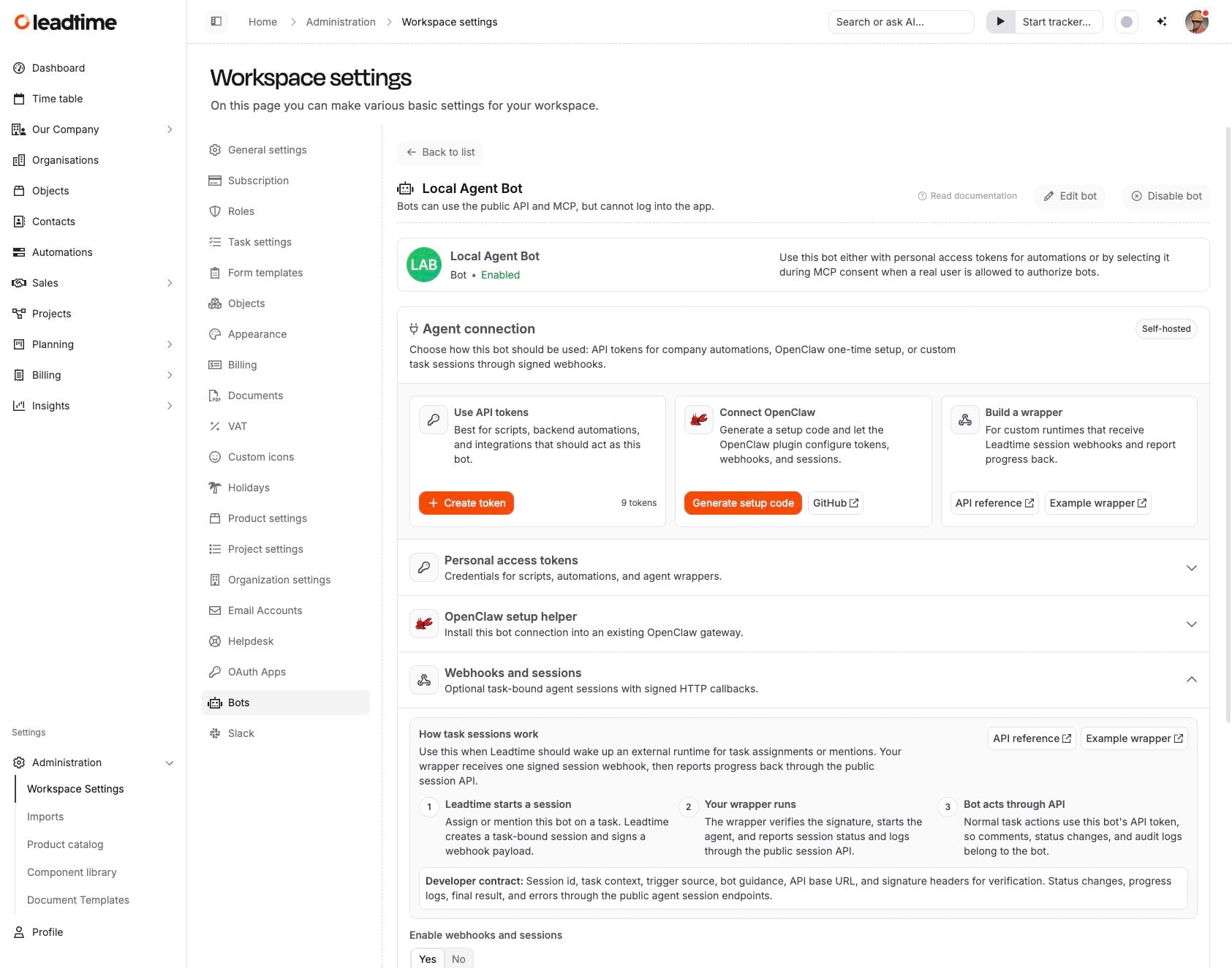
Create a token
Open Administration -> Manage Agents and select an agent.
In Use API tokens, select Create token.
Choose scopes and an expiry date, then copy the token immediately. Leadtime only shows the full token once.
How tokens behave
API calls are attributed to the agent, not to the person who created the token.
The agent role controls what the token can read or change.
You can revoke a token any time from the same agent settings page.