
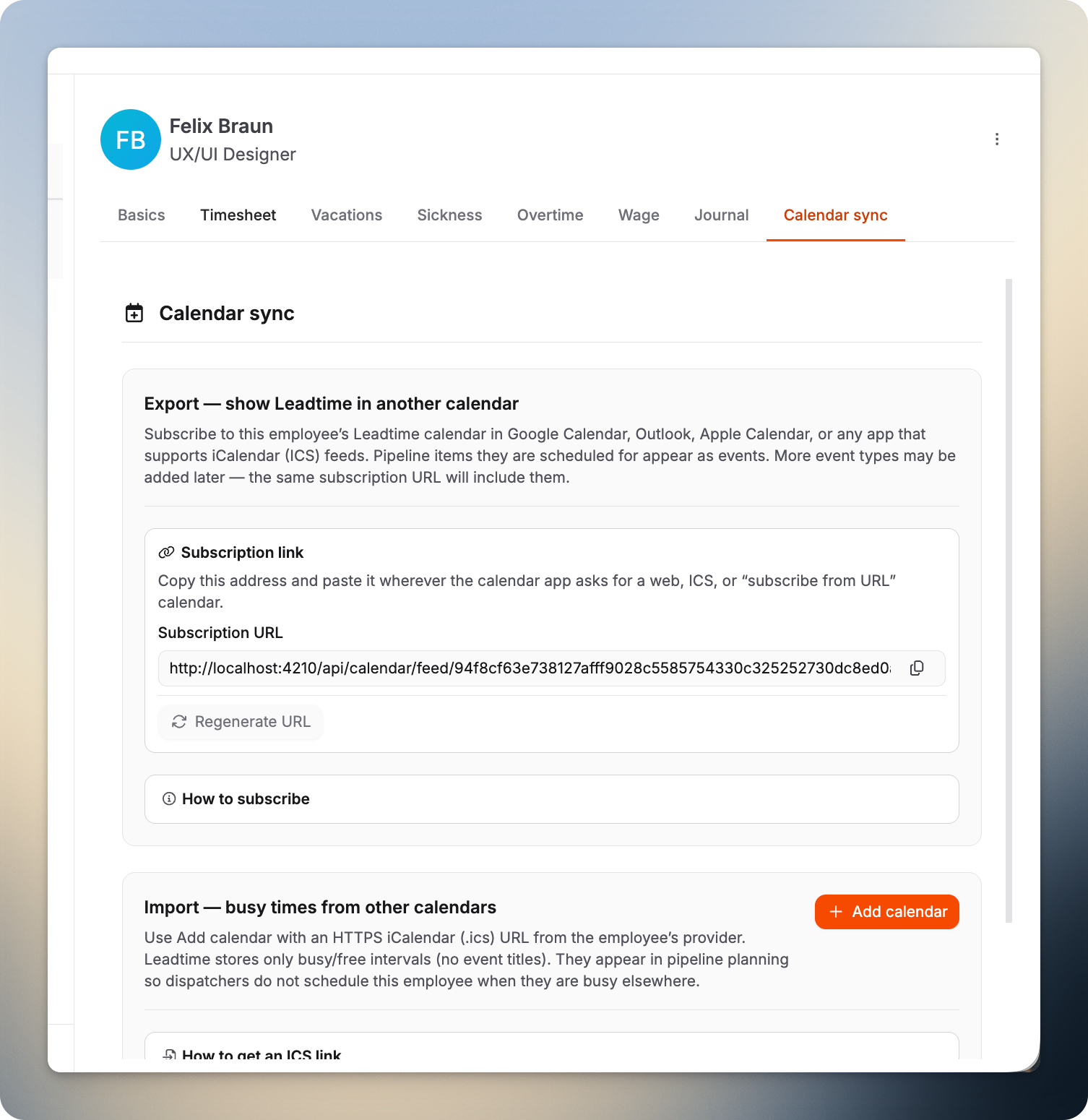
Use Calendar sync on an employee profile to manage the same calendar options you get under My profile → Calendar sync, but for a specific team member. Subscribe their Leadtime pipeline assignments to Google Calendar, Outlook, Apple Calendar, or any ICS-capable app, and import busy times from external HTTPS feeds so planners see conflicts in the pipeline—without storing private event titles.
Where you'll find it
Go to Our Company → Staff, open an employee, then select the Calendar sync tab.
What you can do here
Copy a subscription URL so external calendars stay up to date with this person’s Leadtime schedule.
Regenerate the URL if a link was shared by mistake (this invalidates the old address).
Add or edit HTTPS .ics calendar feeds to pull in busy/free blocks from other systems—only interval data, not meeting subjects.
Who can use it
You need the permission Manage employee calendar sync on your role. If you don’t see the tab, ask a workspace administrator to adjust Administration → Roles.
Also in the app
Employees manage their own calendar under My profile → Calendar sync. Full step-by-step instructions: Profile – Calendar sync.